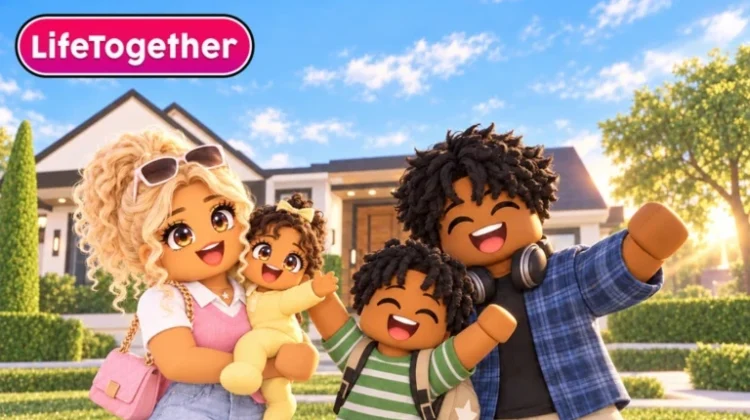
LifeTogether RP is a Roblox town-and-city roleplay game where you build a character, move into a home, pick up a job and live out stories alongside other players. Half the fun is how your character looks — and that is where outfit codes come in.
Outfit codes are short strings created and shared by other players. Type one into the Avatar app on your in-game phone and it loads a complete, ready-made look onto your character in seconds, no item-by-item styling needed. Below, you will find all the latest working Life Together outfit codes, how to use them, and where to find more.
All New Life Together Outfit Codes
- 9L6I3LI: Emo/Goth Boy Outfit. (==NEW==)
- BU4FC9E: Pink Brat Outfit.
- EC1NH9A: Teen Baddie Outfit.
- VD8QT6A: Teen Baddie Outfit 2.
- Y5KV1TB: Hood Rich Outfit.
- L1JO0UI: Hood Rich Outfit 2.
- MR9VL8X: Rich Casual Outfit.
- DG8EA9K: Female Red and Black Outfit.
- 1q2345a: Female White and Pink Outfit.
- 3SH0AM0: Red Cute Girl Outfit.
Tip: Try these codes while they are current, because outfit codes are created by players and one can stop working if its creator changes or removes the original look. Bookmark this page and check back regularly so you never miss a new code.
Expired Life Together Outfit Codes
There are currently no expired Life Together outfit codes — no source has reported any of the community’s shared looks as dead yet. That will not last forever, so try them while you can.
How to Redeem Life Together Outfit Codes
If this is your first time using an outfit code in Life Together, follow the steps given below:
- Launch Life Together on Roblox.
- Open your phone using the button on the right side of the screen.
- Select the Avatar app.
- Open the outfit or code section.
- Enter one of the codes from the list above.
- Press Apply.
- Save the outfit if you want to keep the look.
How to Get More Life Together Outfit Codes
New outfit codes come from the community rather than the developers, so the best places to find them are the game’s Trending Outfits section, where popular player-made looks surface, and the official Life Together Discord server, where players share their own outfit codes and discuss the game. And of course, bookmark this page — we update it whenever new codes are shared, so you will always find the latest working codes here.
Why Are My Life Together Outfit Codes Not Working?
If a Life Together outfit code is not working for you, it is usually because of one of these reasons:
Double-Check for Typos: The most common reason a code fails is a typing mistake. Life Together outfit codes are case-sensitive and must be entered exactly as shown — even one wrong letter will stop the code from working. Copy and paste the code directly from our list instead of typing it yourself.
The Look Has Been Changed or Removed: Outfit codes point to a saved look created by another player. If that player edits or deletes the outfit, the code stops loading it — there is nothing wrong at your end, the look itself is simply gone.
You Have Already Applied This Outfit: If your character is already wearing the look, applying the same code again changes nothing. Try a different code from the list above to switch to a fresh style.
More Roblox Codes You Should Check Out
- Shindo Life Codes
- Vampire Life Codes
- Yeet A Brainrot Codes
- Spin A Car Codes
- Martial Arts World Codes
Conclusion
That’s all for the latest Life Together outfit codes. Load up a new look, save the ones you love, and check back often — we will add fresh community codes to this list as soon as they are shared.
Leave a Reply