BitLock Codes (November 2026) — 6 working codes from the developer's own list
All working BitLock codes for November 2026, taken from the developer's current in-game list, with the exact Shop menu steps to redeem them.
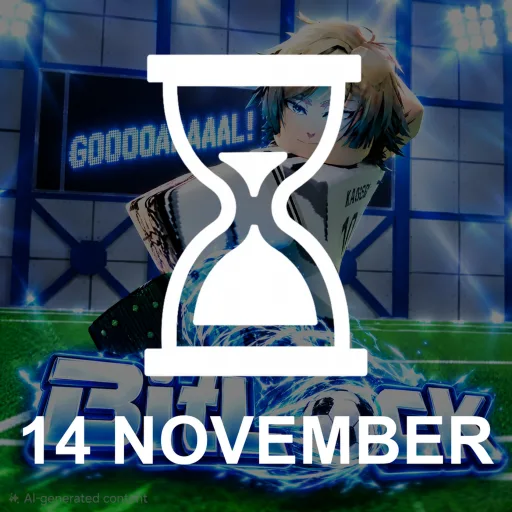
There are 6 working codes listed for this game right now: WCU20, 1KLIKES, BLUELOCKMAN, DEFENDER, SORRYFORDELAY, 3D. Every code below shows its reward, and the list was checked on 2026-11-10.
BitLock is a Blue Lock-inspired football life simulator where you build one striker's career from the First Selection onwards, rolling for a clan and bloodline, training your stats and making the calls in live match dilemmas where one wrong choice can end the run. The developer keeps a short, current code list on the game's own Roblox page, and those codes are the safest free boost you can give a new career.
Active BitLock codes
Expired BitLock codes
SUNBATTLE has stopped working, and the longer code list from earlier in the game's life — including SYNCED, AUTOROLL and REROLLS — no longer appears on the developer's current list following the game's rework, so do not rely on older lists still showing them as active.
Claiming a code takes seconds once you know where the menu hides.
How to redeem BitLock codes
- Launch BitLock on Roblox and load into the game.
- Open the Shop from the top-right of the screen.
- Select the Codes section inside the Shop window.
- Type or paste a code into the Enter Code box exactly as shown, capitals included.
- Press Redeem and the reward lands on your account straight away.
New codes tend to arrive with updates, reworks and like milestones, and they are announced first in the official Discord server run by Erken Games, so that is the place to watch if you want the next drop before it circulates.
Frequently Asked Questions
What are BitLock codes redeemed for?
BitLock codes are entered in the Shop and grant free in-game rewards that help a striker's career, such as currency and reroll-style boosts. The developer's current list is short, so it is worth claiming every code on it while they last.
Where do I enter codes in BitLock?
Open the Shop from the top-right of the screen, choose the Codes section, type the code into the Enter Code box and press Redeem. Codes are case-sensitive, so copy them exactly.
Why did an older BitLock code stop working?
BitLock was reworked, and the developer's current code list on the Roblox page replaced the longer list from earlier in the game's life. Codes such as SUNBATTLE, SYNCED and AUTOROLL no longer appear on that list and should be treated as finished.
Where are new BitLock codes announced?
New codes are posted first by Erken Games in the game's official Discord server, usually around updates, reworks and community milestones, before they spread to code lists.