My Hotel! Codes (November 2026) — 50 Gems and Free Cash for New Floors
2 My Hotel! codes verified on 12 November 2026 — Roblox Den re-tested the My Hotel Community tycoon in-game on 11 November 2026 and left Floor3 (50 Gems) and FreeCash (10 Cash) active, matching Try Hard Guides' April 2025 list and AllThingsHow's November 2025 re-check. Pro Game Guides' 10,000 Cash figure for FreeCash is an outlier; three sources record 10 Cash.
There are 2 working codes listed for this game right now: Floor3, FreeCash. Every code below shows its reward, and the list was checked on 2026-11-12.
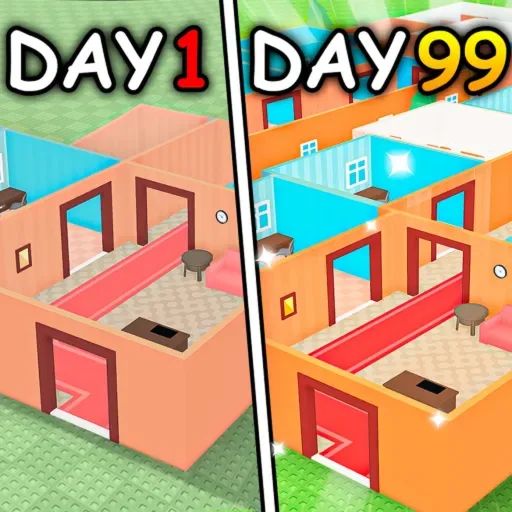
My Hotel! hands you a bare lobby, a trickle of guests and a building that only grows when you do. Serve the people who wander in, bank the Cash they leave behind, add floors, and gradually turn a couple of plain rooms into the sort of place that can charge for the view — limited-edition furniture included, once you can afford it. It is the My Hotel Community group's tycoon, live since January 2025 and past 30 million visits, and its code list is a short one that has barely moved in over a year. That turns out to be good news: both strings below were still redeeming when Roblox Den sent a tester back in on 11 November 2026, and they match the lists Try Hard Guides published in April 2025 and AllThingsHow re-checked in November 2025, reward for reward. Two codes, both verified, nothing padded.
Active My Hotel! codes
Expired codes
No My Hotel! code can honestly be filed as expired on two independent sources yet. Roblox Den's November 2026 sweep retired one string, release, and left three others — 100Likes!, Vossig and runlegend — sitting in its unconfirmed pile, neither redeemed nor written off. A second tracker files all four as dead, but its expired column is built from Den's own unconfirmed rows, so it does not count as a separate witness. Until a tester actually watches one of them fail, they stay out of both lists on this page rather than being dressed up either way. One reward worth a second look while you are here: an older Pro Game Guides list credits FreeCash with 10,000 Cash, but Den's in-game test, Try Hard Guides and AllThingsHow all record a far more modest 10 Cash, so 10 Cash is the figure printed above.
How to redeem
1. Launch My Hotel! on Roblox and let your hotel load in.
2. Press the checkmark button down at the bottom right of the screen — it sits inside a small cloud icon.
3. Type a code into the box exactly as it is printed here; both of these are case-sensitive, capital first letter included.
4. Hit the green Redeem button and the Gems or Cash land straight away.
Fresh strings for this game are rare beasts. When they do appear, they surface through the developer, Nite Games, usually in the #codes channel of the Discord server, and the in-game group wall is worth a glance whenever a new floor or furniture set drops. Given that the current pair has survived since spring 2025, there is no rush — but there is also no promise they will see another spring, so claiming them on your next visit costs nothing.
Frequently Asked Questions
How do you redeem codes in My Hotel!?
Press the checkmark button inside the cloud icon at the bottom right of the screen, type the code into the box exactly as printed, and hit the green Redeem button. The reward is credited straight away.
What do My Hotel! codes give you?
Floor3 pays 50 Gems, the premium currency used for special items and speeding things up, while FreeCash pays 10 Cash, the everyday money guests leave behind that funds new floors, rooms and furniture.
Why is my My Hotel! code not working?
Check the capitals first: both Floor3 and FreeCash start with a capital letter and are case-sensitive, and Floor3 contains a digit. Codes can also only be claimed once per account, so a string you redeemed months ago will refuse a second time.
Is FreeCash worth 10,000 Cash in My Hotel!?
No. One older list prints 10,000 Cash, but Roblox Den's November 2026 in-game test, Try Hard Guides and AllThingsHow all record 10 Cash for FreeCash, so 10 Cash is the correct figure.